Compact (CPU)
Tested8 threads, 14 GB RAM, no GPU
One machine, 9 Docker Compose services, local models on CPU. Reference deployment, functional qualification executed (internal dossier not distributed).
The reference deployment is called Compact: one machine, Docker Compose, nine services, three models downloaded once then run offline. The commands below are those published in the repositories.
Qualified machine for the Compact (CPU) profile.
8 threads, 14 GB RAM, no GPU
One machine, 9 Docker Compose services, local models on CPU. Reference deployment, functional qualification executed (internal dossier not distributed).
Dedicated 8 GB GPU
Same 1.5 B model on an 8 GB GPU. Described in the gateway registry, verdict NOT_EXECUTED in the Compact documentation.
12 GB GPU, NVIDIA drivers + NVIDIA Container Toolkit
qwen2.5:7b-instruct model via compose.gpu-12gb.yml. Described but not qualified: no digest recorded, no measurement.
| Role | Model | Runtime | Licence | Size | Compact |
|---|---|---|---|---|---|
| Embeddings (768 dimensions, FR/EN) | granite-embedding:278m | Ollama | Apache-2.0 | ≈ 0,6 GB | installed |
| Generation, CPU profile (Compact default) | qwen2.5:1.5b-instruct (Q4_K_M) | Ollama | Apache-2.0 | ≈ 1 GB | installed |
| Cross-encoder reranking (max 64 passages per request) | BAAI/bge-reranker-v2-m3 | TEI | Apache-2.0 | ≈ 2,3 GB (float32) | installed |
| Generation, 12 GB GPU profile (described, not qualified) | qwen2.5:7b-instruct | Ollama | Apache-2.0 | ≈ 4,7 GB | not installed |
Thirteen steps, from checking prerequisites to the first account. Steps marked "inferred" are a reading of the documentation, not a quotation.
Check prerequisites: Linux x86_64, Docker ≥ 24 + Compose v2, 14 GB RAM (≥ 10 GB available recommended), ~7 GB disk (images + models) + data, no GPU required, Internet access only for the provisioning phase.
Source: compact/docs/installation.md lines 3-19
Clone both repositories side by side: git clone https://github.com/ragatm-open/ragatm-open.git then git clone https://github.com/ragatm-open/ai-gateway-open.git (required, placed next to ragatm-open/). The Pool is not required.
Source: README.md lines 35-40; compact/docs/installation.md lines 28-31
Preflight: cd ragatm-open/compact && scripts/preflight.sh (Docker/Compose, RAM, disk, port 127.0.0.1:18080, .env, demo values). Expect PREFLIGHT=PASS.
Source: README.md line 37; compact/docs/installation.md lines 21-34; compact/scripts/preflight.sh
Secrets: scripts/gen-secrets.sh creates .env (0600) from .env.example with DJANGO_SECRET_KEY, DB_PASSWORD, REDIS_PASSWORD, RAG_OPS_METRICS_TOKEN, FEEDBACK_PSEUDONYM_SALT and the Redis URLs; refuses to overwrite an existing .env (--force).
Source: compact/docs/installation.md lines 36-45; compact/scripts/gen-secrets.sh
(Optional) Adjust .env: COMPACT_FRONTEND_PORT, FRONTEND_APP_ORIGIN / DJANGO_CSRF_TRUSTED_ORIGINS (if behind a TLS reverse proxy), COMPACT_MEM_* budgets, RAGATM_OPEN_DIR / AI_GATEWAY_OPEN_DIR if the clones are laid out differently.
Source: compact/.env.example; compact/docs/configuration.md lines 11-22, 60-64; installation.md lines 75-77 — inferred
Build the images: docker compose build (backend, Next.js frontend, ai-gateway). Third-party images digest-pinned. Internet required.
Source: compact/docs/installation.md lines 47-55
Provision the models (explicit phase, Internet required): scripts/provision-models.sh — granite-embedding:278m, qwen2.5:1.5b-instruct, bge-reranker-v2-m3; writes state/provision-manifest.json then stops the provisioning services. Option --with-12gb (unqualified profile).
Source: compact/docs/installation.md lines 57-63; compact/docs/approvisionnement-modeles.md; compact/scripts/provision-models.sh
Start the stack in nominal (offline) mode: scripts/up.sh (docker compose up -d + wait for health).
Source: compact/docs/installation.md line 68; compact/scripts/up.sh
Create the first account: RAGATM_ADMIN_EMAIL=admin@example.org RAGATM_ADMIN_PASSWORD=' (idempotent; superuser + workspace 'Compact' + RAG space 'Initial RAG').
Source: compact/docs/installation.md line 69; compact/docs/exploitation.md lines 15-23; compact/scripts/bootstrap-admin.sh
Open http://localhost:18080/login; the first login mandatorily enrols a TOTP second factor (authenticator app); no account can skip it. Other accounts are created by invitation (no public sign-up).
Source: compact/docs/installation.md lines 72-73; compact/docs/exploitation.md lines 21-23; docs/01-overview/decisions/ADR-003
(Recommended) Verify: scripts/diagnose.sh (states, non-inferential probes) and scripts/offline-check.sh (no Internet egress, a single published port).
Source: compact/docs/exploitation.md lines 25-38, 69-77
(Optional) Exposure beyond loopback: put a TLS reverse proxy in front of 127.0.0.1:18080 and set FRONTEND_APP_ORIGIN and DJANGO_CSRF_TRUSTED_ORIGINS. No TLS inside the stack.
Source: compact/docs/installation.md lines 75-77; compact/docs/limites-et-capacites.md line 25
(Optional, outside the Compact qualification) AI Gateway Pool Open: separate deployment (deploy/compose/pool/), joins the Docker network where ai-gateway lives (UPSTREAM_NETWORK, e.g. ragatm-compact_ai), publishes 127.0.0.1:18090. Repointing RAGatm to the Pool is not documented in the Compact kit.
Source: ai-gateway-pool-open/README.md lines 21-35; deploy/compose/pool/README.md; deploy/compose/pool/.env.example line 12 — inferred
Copied from the ragatm-open documentation files, with their source.
git clone https://github.com/ragatm-open/ragatm-open.git
git clone https://github.com/ragatm-open/ai-gateway-open.git   # requis ; placé à côté de ragatm-open/
cd ragatm-open/compact && scripts/preflight.sh
Source: ragatm-open/README.md, lines 35-37
scripts/gen-secrets.sh # crée .env (0600) depuis .env.exampleSource: ragatm-open/compact/docs/installation.md, lines 39
docker compose build # backend, frontend (Next.js), ai-gatewaySource: ragatm-open/compact/docs/installation.md, lines 50
scripts/provision-models.sh # granite-embedding:278m, qwen2.5:1.5b-instruct, bge-reranker-v2-m3Source: ragatm-open/compact/docs/installation.md, lines 62
scripts/up.sh
RAGATM_ADMIN_EMAIL=admin@example.org RAGATM_ADMIN_PASSWORD='<mot de passe ≥ 12 caractères>' scripts/bootstrap-admin.sh
# puis ouvrir http://localhost:18080/login
Source: ragatm-open/compact/docs/installation.md, lines 68-72
scripts/diagnose.sh
scripts/offline-check.sh
Source: ragatm-open/compact/docs/exploitation.md, lines 25-38, 69-77
"There is no one-command install." (Compact documentation)

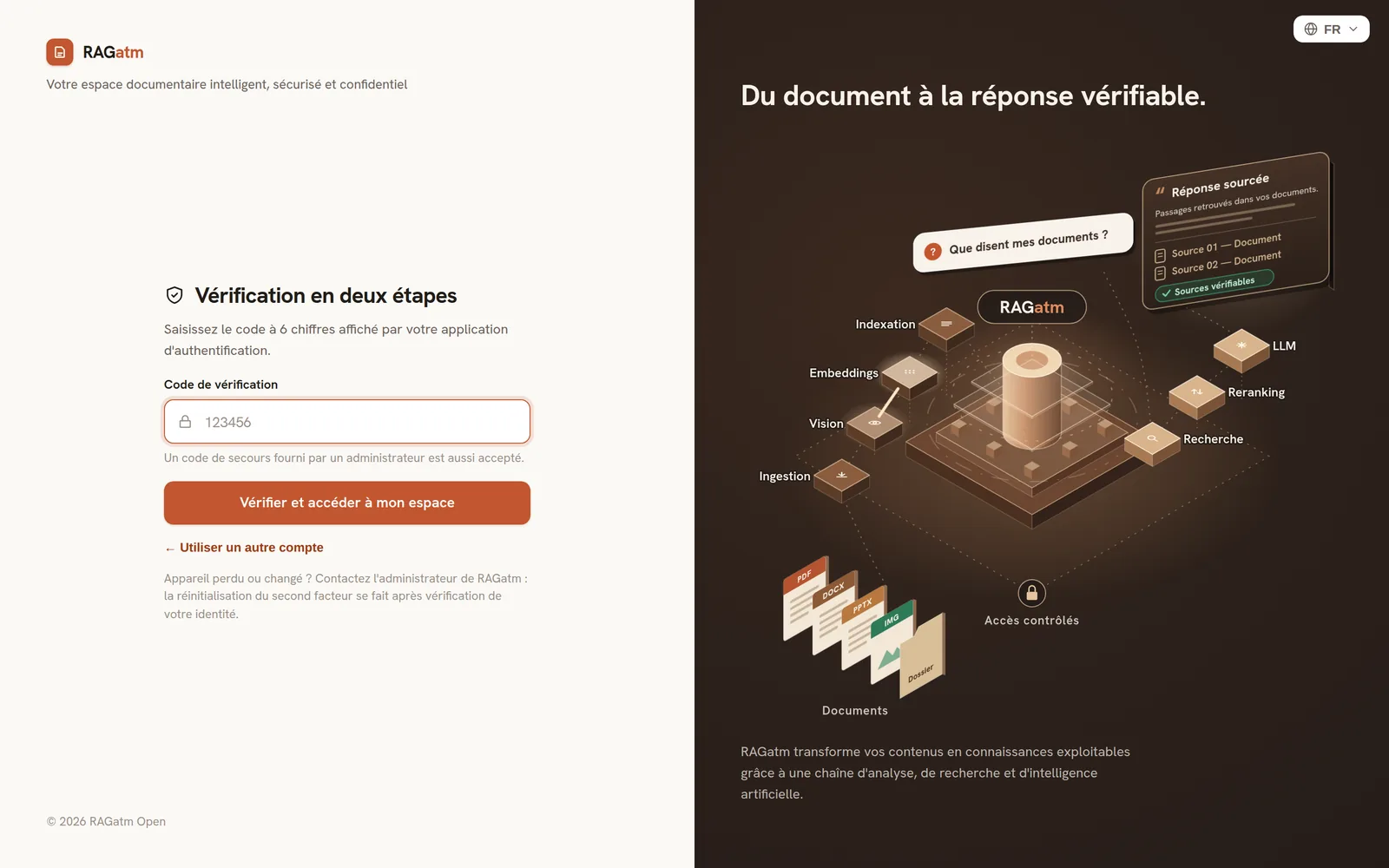
Screenshots taken on an isolated RAGatm Open instance (Open edition, Compact profile on CPU, reranker disabled for the capture), with the fictitious documents published in the repository and a demo account.
AI Gateway Pool Open is optional and absent from the Compact profile. It is deployed separately and joins the gateway’s Docker network. Repointing RAGatm Open to a Pool is not documented in the Compact kit.
The installation documentation lives in the repositories; this site is only a summary.